IB student
Six subjects and the core, every topic and subtopic from the current guides, ready to rate.
Predicted points against your target, with TOK and the extended essay counted in the total.
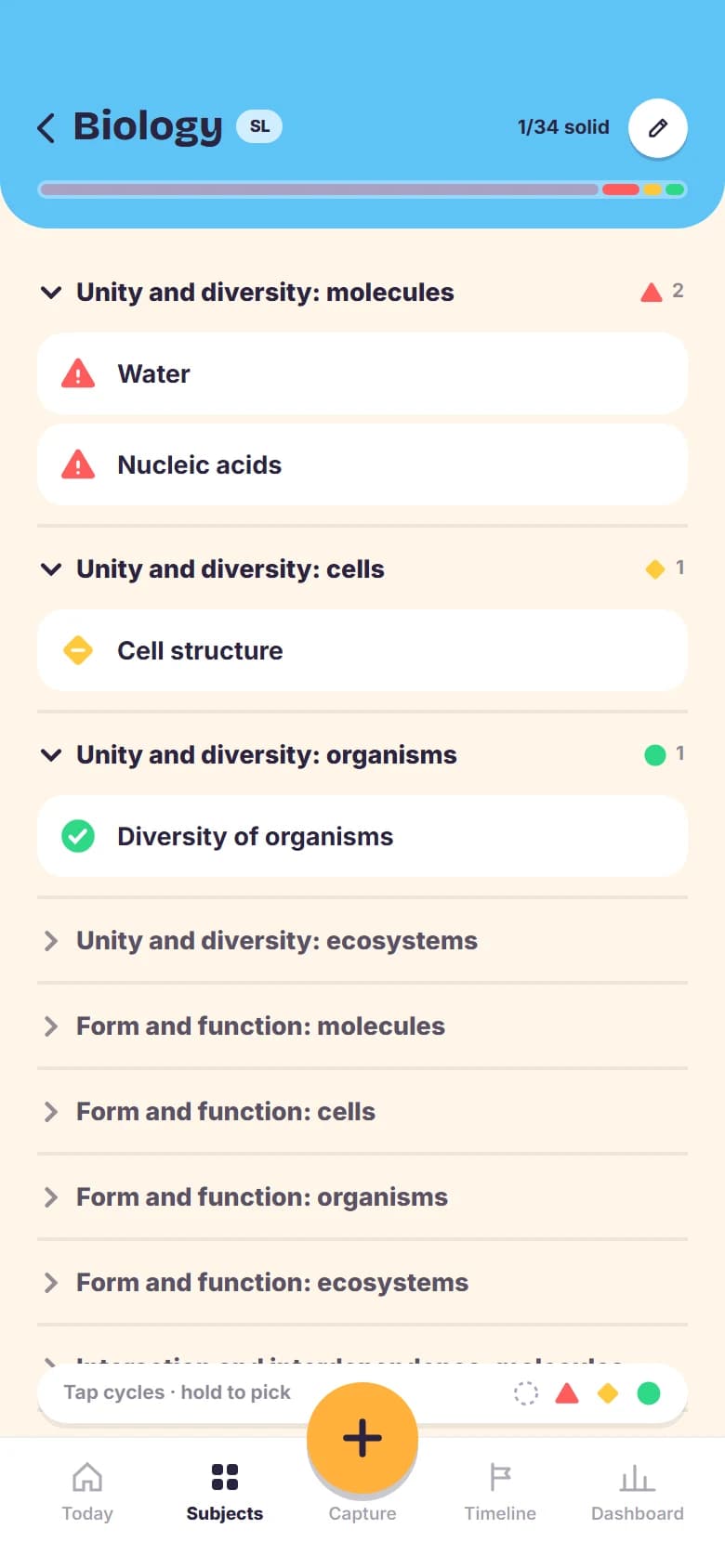
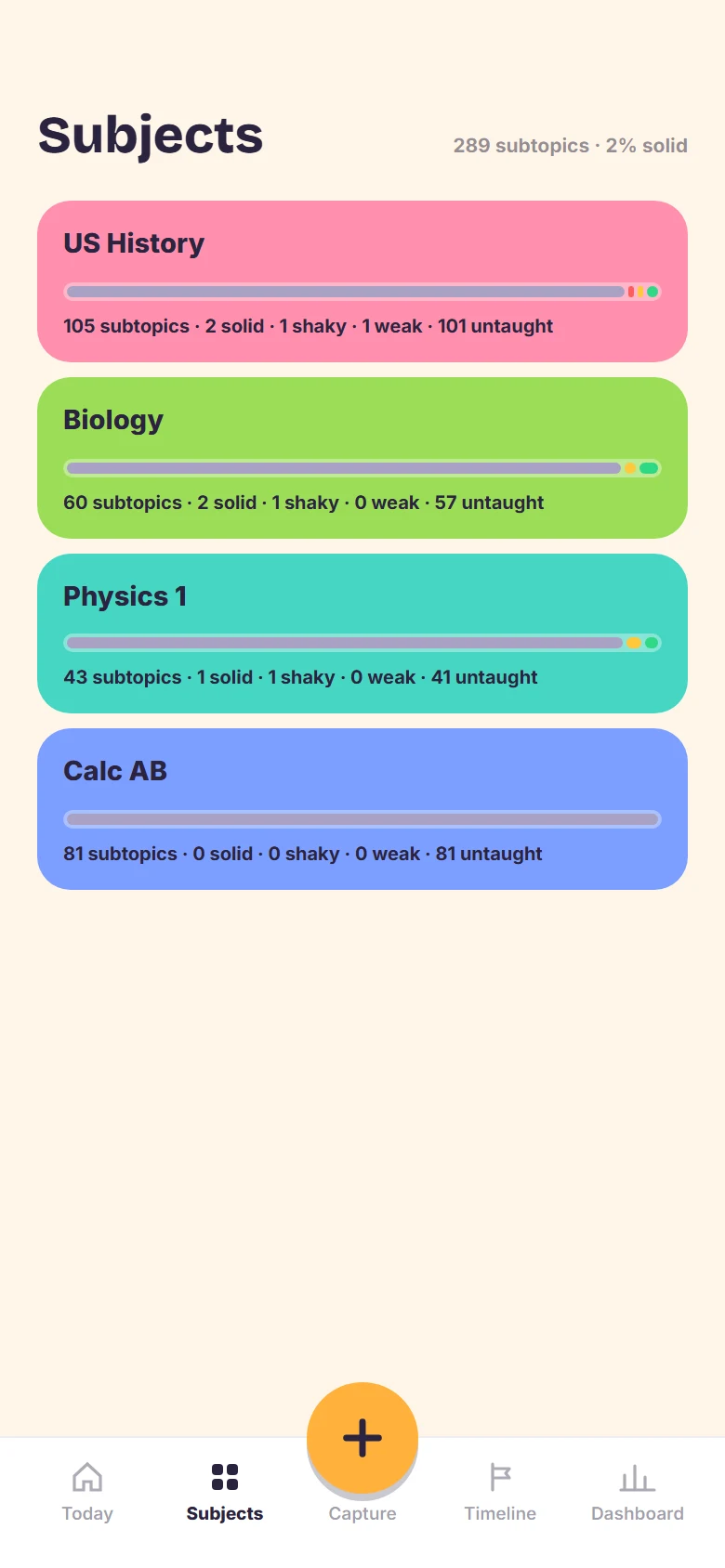
Orbit turns your syllabus into a tracker you can answer in seconds: rate what you know, log the errors, and every morning it hands back the short list that keeps all of it fresh.
Invite only while Orbit is in beta. Ask for a code
Built for the IB Diploma, AP, PLAB and teachers, on a phone, between classes or between shifts.
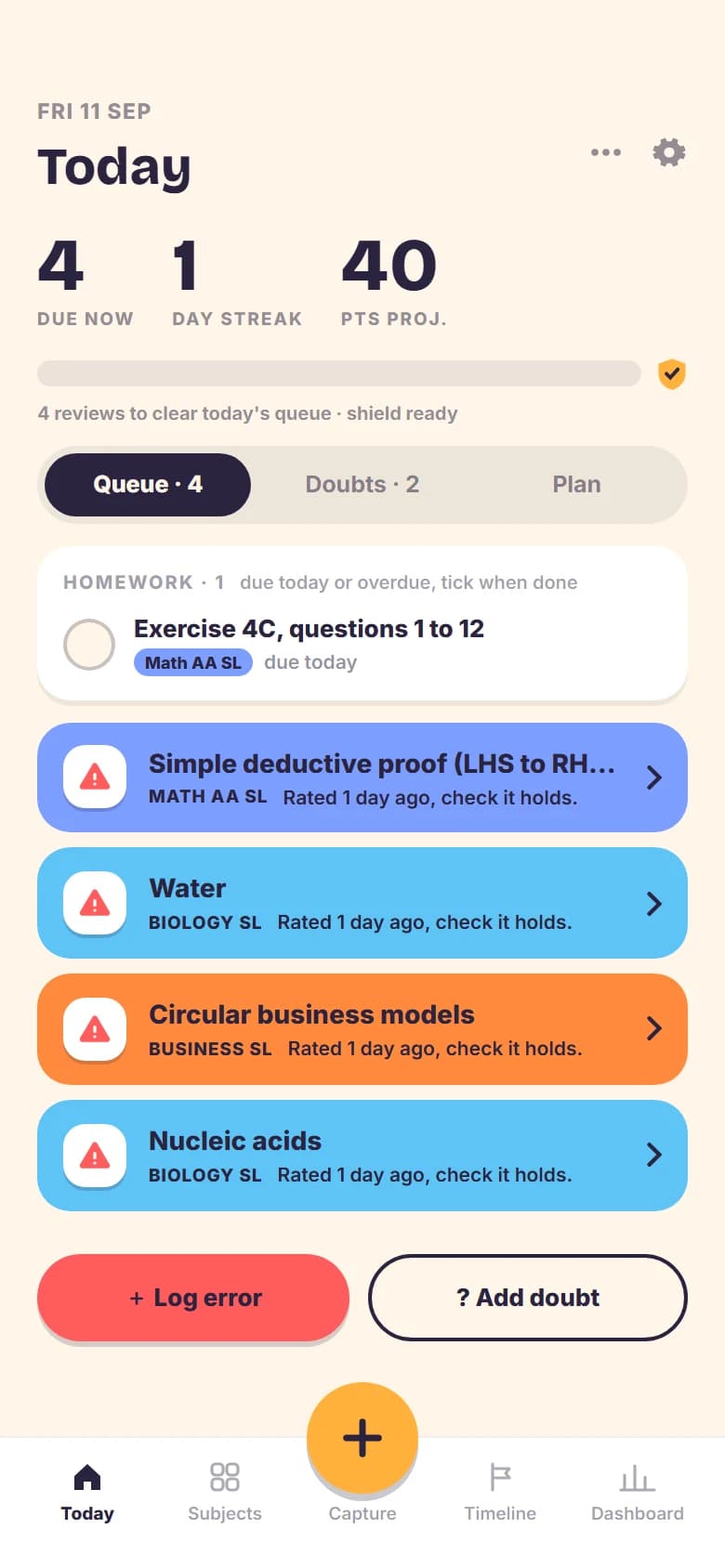
Three habits, and the scheduling is Orbit's problem.
Tap a subtopic: weak, shaky or solid. Everything starts grey until it is taught, so the tree always shows where you really are.
1, 3, 7, 21 then 45 days. Solid moves up the ladder, shaky repeats the step, weak comes back tomorrow. The morning queue is capped so it stays finishable.
Three taps and a photo of the question. The redo deck brings every open error back later, and clearing one only counts when you get it right.
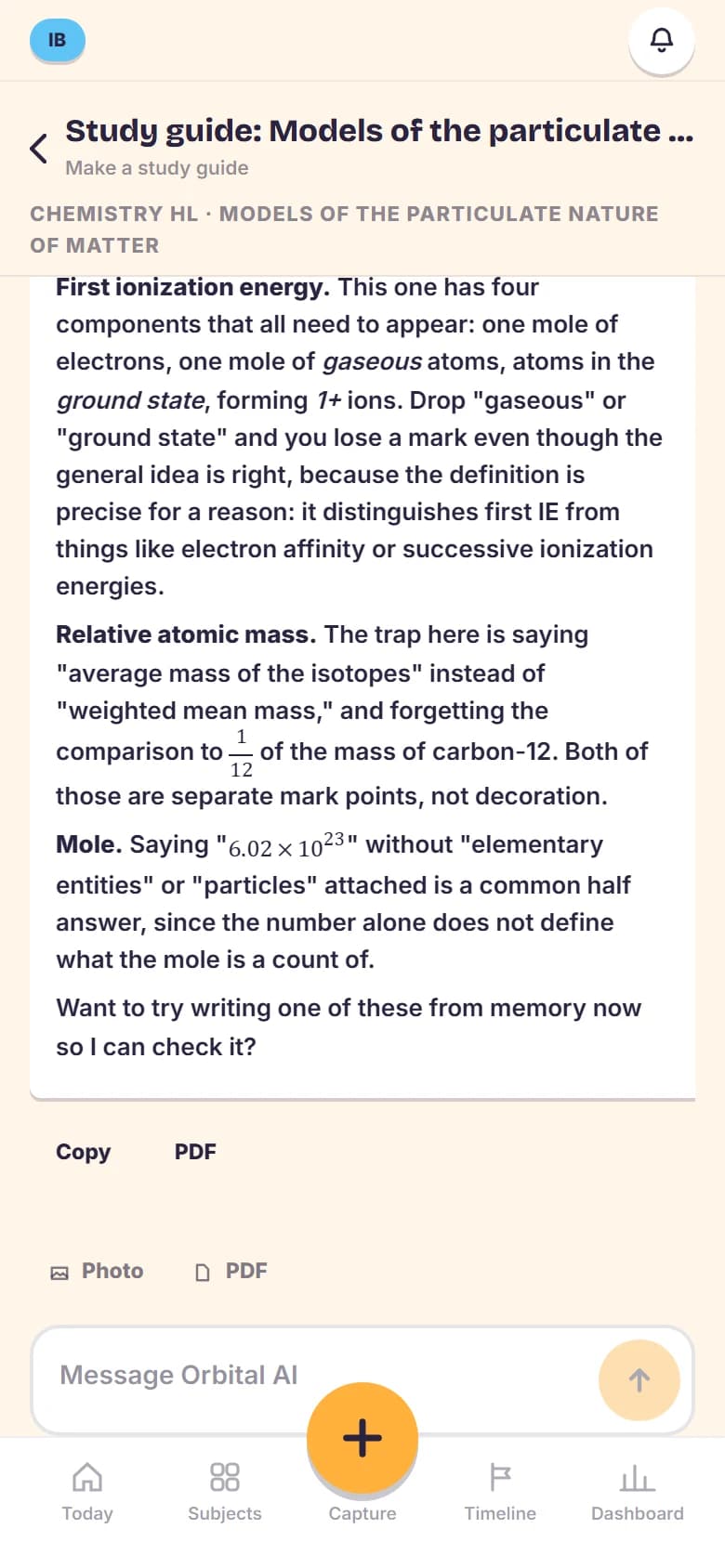
ORBITAL AI
Every answer starts from your own tree: the subject, the topic and the rows you have rated, in the command terms and mark conventions of your programme.
It runs only when you ask, never on a schedule, and your error photos never leave Orbit. How it is handled
One account each. The screens follow the programme you pick at signup.
Six subjects and the core, every topic and subtopic from the current guides, ready to rate.
Predicted points against your target, with TOK and the extended essay counted in the total.
Any of the College Board courses, each with its exam day and the countdown that follows it.
Scores 1 to 5, and a season that closes itself when the last exam is behind you.
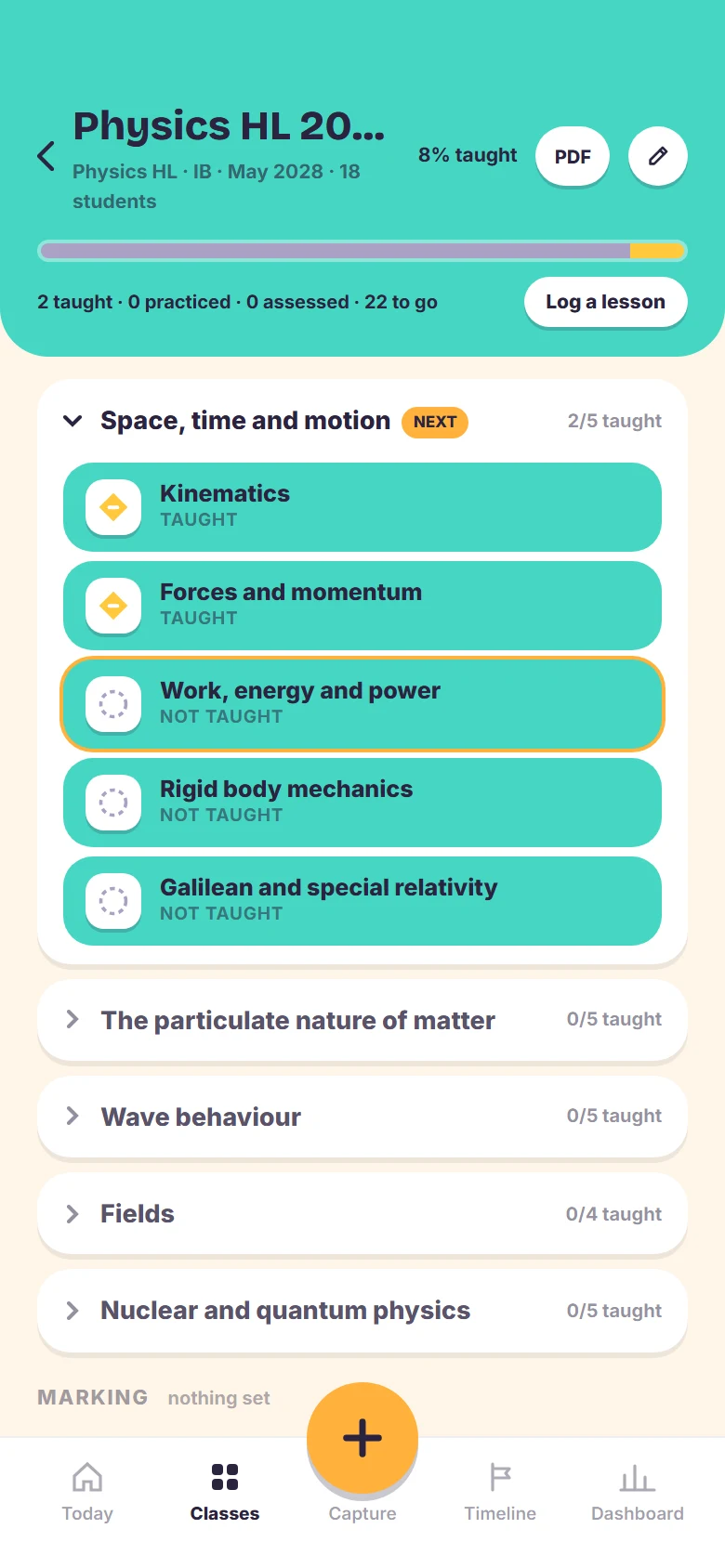
A class per group with its own tree, and coverage in one tap when the lesson ends.
A marking queue, pacing against the year, and next week's plan pushed to your calendar.
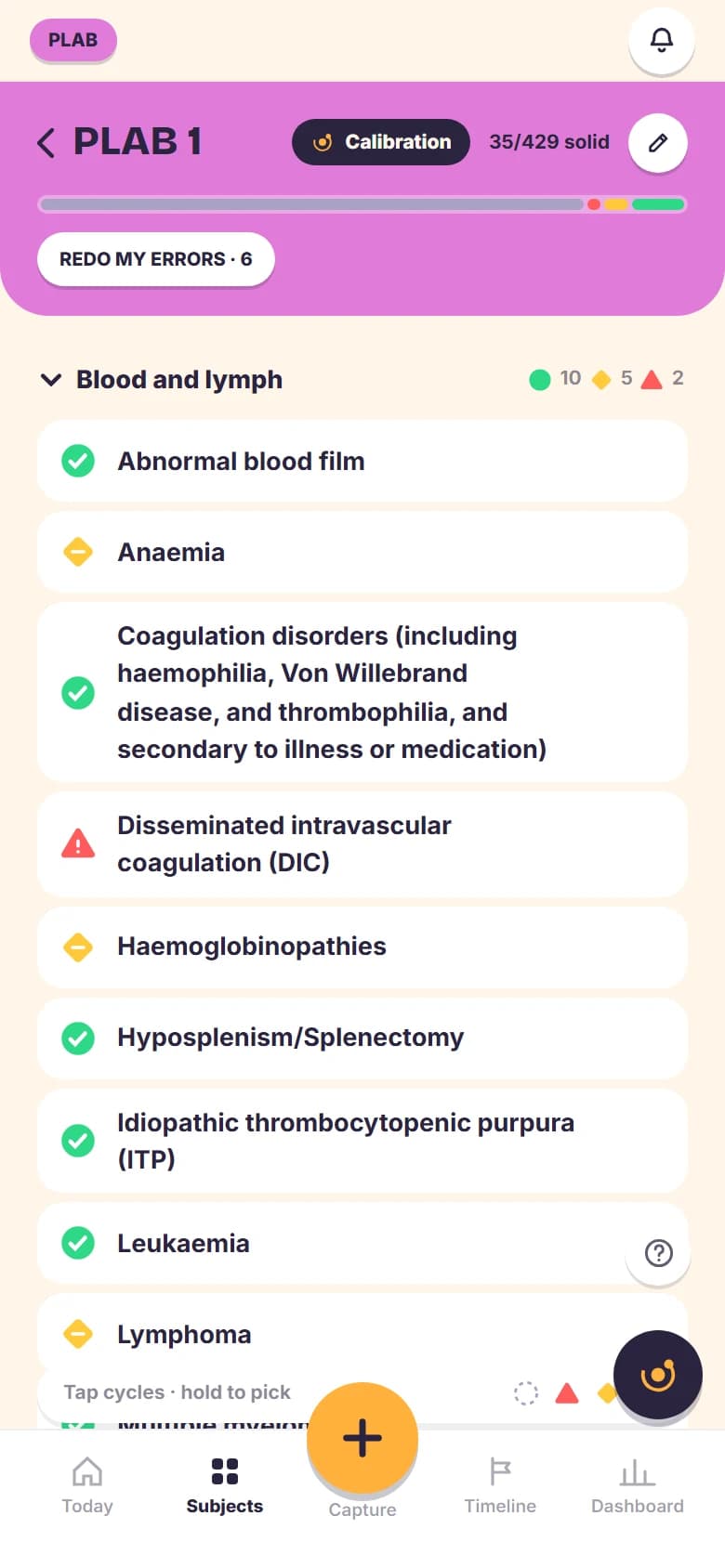
The GMC's map of conditions and stations as your tree: PLAB 1 by body system, PLAB 2 by domain, ready to rate.
A sitting to count down to, pass or fail per part, and stations rehearsed with Orbital AI playing the patient.
One tap exports everything as JSON. Delete your account and it all goes, photos included.
No analytics tags, no third party pixels, nothing sold. The only accounts are invited ones.
A nonce based content policy, strict transport security and twelve of twelve tests passed.
Only the calendar you pick, only its events. Orbit never reads the rest of your account.
Nothing is sent in the background. Your error photos never reach the model, your name and email are left out, and nothing of yours trains anything.
Short answers, the same ones the questions page carries.
Orbit is a study tracker for the IB Diploma, for AP courses and for the GMC's PLAB exams, with an edition for the teachers who teach the first two.
You rate what you know, it schedules the review, and you log the mistakes worth redoing.
It holds your syllabus, your dates and your own links, so one screen answers what to do today.
One account can be an IB student, an AP student, a PLAB candidate and a teacher, and you switch in Settings under Account.
Each mode keeps its own subjects, dates, settings and tour, and switching never deletes anything.
The header shows which hat you are wearing, and switching back finds everything where you left it.
Every rating books the next review on a ladder: weak comes back tomorrow, shaky in three days, solid in seven.
Each time a review comes back solid it moves up the ladder, so the gap grows to 21 days, then 45, where it stays.
Rate it weak and it drops to the bottom again, because the point is the things you are about to forget.
Logging an error on a subtopic pulls its next review forward.
Orbital AI is the study tutor behind the dark disc in the bottom corner of the screen: it answers when you ask, and the disc's one suggestion a day sends nothing until you tap it.
It sends your question, the subtopic names it is about and a short summary of your own record, like your ratings and what is coming up, never your name; it never sends your photos from the error log, only a file you attach to that one message, and nothing is used to train models.
It is a language model, so it can be confident and wrong: check anything that matters, and never hand its words in as your own.
The privacy policy has the rest, under Orbital AI.
Yes, it is free while Orbit is in beta, which runs to 30 Sep 2027, and there are no ads and nothing to buy inside it.
It is invite only for now, so every account comes from a code someone shared.
If that ever changes, you will hear it from us before anything is charged.
Yes, Orbit is invite only while it is in beta, so every account starts from a code somebody shared with you.
Anyone already using Orbit can make up to three codes in Settings under Account, which is where most of them come from.
Paste yours on the first signup screen and the ways to create an account appear under it.
Joining a school is a separate code, pasted inside the app once you have an account.
You can. Every table is locked to the account that owns the row, enforced by the database rather than by the app.
The owner can see operational things like your email, when you last used it and how many subjects you have, which is what keeps the beta running.
Nobody else can read your ratings, your notes or your photos, and nothing is sold or shared.
There are more on the questions page: what the Google Calendar connection touches, joining your school, and how to delete your account. Read all the questions
Rate a handful of subtopics tonight and Orbit has a plan for you in the morning.
Log in →Got a code? Create your account